
The Free Mobile voicemail relies on a call forwarding system: when a caller cannot reach your number (phone off, line busy, no answer), the call is automatically redirected to a voice server that records the message. Setting up this service involves a few codes and menus that you need to know to manage the behavior of the answering machine.
Forwarding Codes and Technical Logic of the Free Answering Machine
Before trying to customize your greeting or check your messages, you need to understand how Free Mobile manages call forwarding. Four scenarios trigger the switch to voicemail: no answer, line busy, unreachable phone, and unconditional forwarding (all calls).
Each of these forwards can be activated or deactivated independently using USSD codes dialed directly from your phone’s keypad. For example, disabling the busy forwarding while keeping the no-answer forwarding allows you to signal to callers that the line is busy without sending them to voicemail. This granularity is rarely utilized, even though it radically changes the experience for people who receive many calls.
All the setup steps are detailed in the complete guide from Je Comprends Enfin, which covers each code and each forwarding situation.
Accessing Free Voicemail: Three Methods
Accessing the Free Mobile answering machine can be done in three ways depending on the context you are in. Each method meets a different need.
- Dial 666 from your Free mobile. This is the standard short number: it launches the interactive voice server where you can listen to, delete, or archive your voicemail messages.
- Press and hold the 1 key for a few seconds. This shortcut, set by default on most phones, directly calls the voice server without dialing a number.
- From abroad, dial +33 695600011. This international number allows you to check your messages while roaming. A personalized confidential code is required: without it, remote access is blocked.

The confidential code is set during the first listening of the answering machine. If you have never configured it and are going abroad, remember to create it before leaving by calling 666 and following the voice menu instructions.
Free Visual Voicemail: Activation and Functionality on Mobile
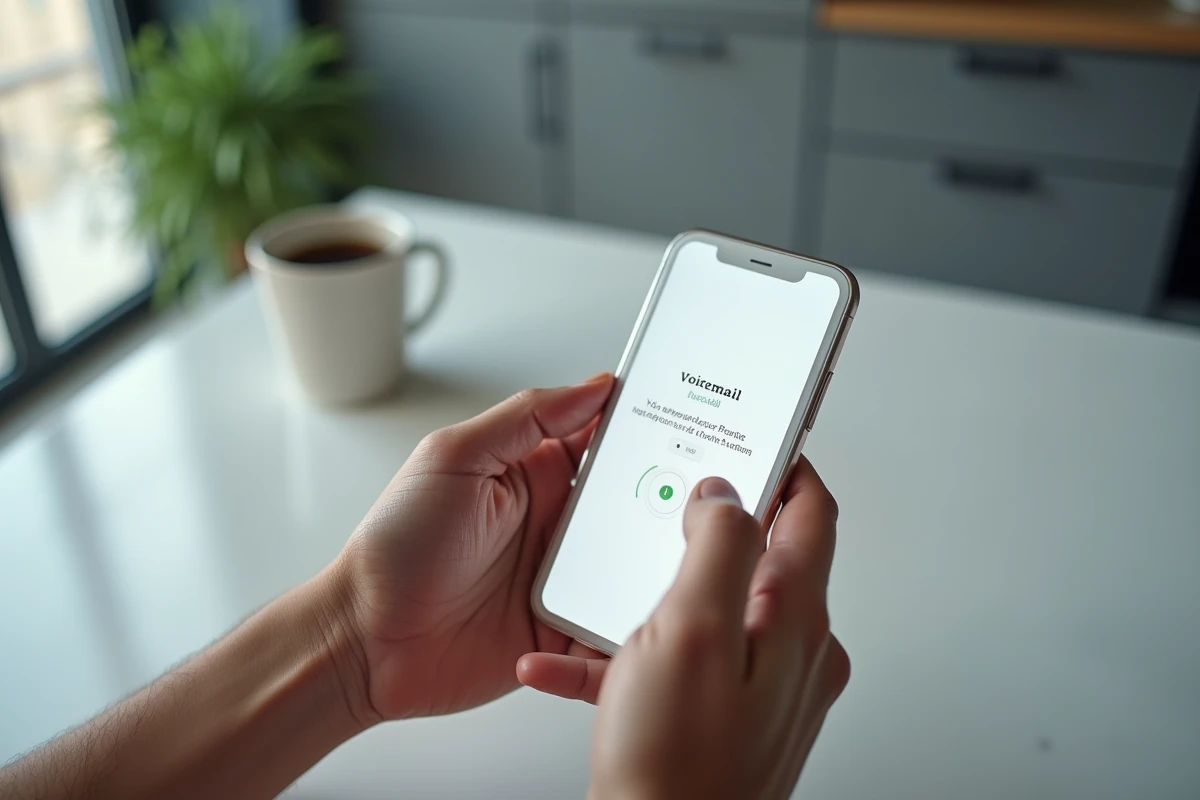
Visual voicemail (MVV) displays the list of your messages directly on your phone’s screen, like an inbox. You choose which message to listen to first, without having to go through them all in chronological order. Free Mobile has made this option active by default on new lines.
On iPhone, MVV works natively via the “Voicemail” tab of the Phone app. On Android, the behavior varies by manufacturer: some integrate MVV into their calling app, while others require the installation of a compatible third-party app. Check in your smartphone’s call settings that the “visual voicemail” option is checked.
MVV does not replace the classic voice server. Both systems coexist on the same line. If your phone does not display the visual list, 666 remains functional. MVV simply adds a graphical interface layer over the same message storage.
Managing Free Voicemail from the App and Subscriber Area
The official “Free – Subscriber Area” app, available on Android and iOS, allows you to manage your mobile line options without going through a web browser. From this app, you can access settings related to voicemail: activating or deactivating the answering machine, managing call forwarding, checking the status of your line.
The web subscriber area (accessible from subscribe.free.fr) offers the same functions. The difference lies in ergonomics: the mobile app simplifies configuration on the go, while the web interface remains more readable for multiple modifications.
Among the settings accessible from these two interfaces:
- Activate or deactivate voicemail without touching USSD codes.
- Modify the behavior of call forwarding (busy, no answer, unreachable).
- Check notifications of voicemail messages and verify that the service is operational on the line.
Recording an Effective Answering Machine Greeting on Free Mobile
The welcome greeting can be personalized by calling 666 and navigating through the voice menu to the greeting message recording option. The server guides you to record, listen to, and validate your greeting.
For professional or freelance use, the recommended structure consists of three elements: identification (your name or your business name), context (temporary unavailability or hours), and a commitment to call back within a specific timeframe. A greeting that is too long is rarely listened to in full. Aim for conciseness.
If you wish to revert to Free’s default greeting (the automated voice stating your number), the 666 menu offers a reset option. This deletes your personalized recording and restores the standard message.
The Free Mobile answering machine stores voicemail messages for several weeks before automatic deletion. Regular checking prevents you from losing a message you haven’t listened to yet, especially if notifications do not consistently appear on your phone.